
Searching Jefferson County Cases by Name
Pick the court first, then the name. Felony, general civil, and domestic-relations cases in Jefferson County Court of Common Pleas follow the Common Pleas route, while County Court Districts I through III share one county-court lookup. Steubenville Municipal Court is different. It runs its own Court Connect system, splitting traffic and criminal from civil. Searching the wrong court by name can come up empty even when the case sits in another Jefferson County court.
- Read the summons, notice, citation, or prior filing for the court name and any case number.
- Open the court’s official lookup route: Common Pleas eServices, County Court eServices, or Steubenville Court Connect.
- Where Court Connect is used, select the matching traffic/criminal or civil search area and enter the available name condition.
- Open only the result that matches the court and case context, then read the Status, next-date information, and Case Docket separately.
| Field label | Type | Required | Local use |
|---|---|---|---|
| Search condition | Dropdown | Yes | Steubenville traffic/criminal lookup offers Name, Defendant, and Case Number; help also identifies Ticket and other conditions. |
| Search value | Text | Yes | Enter the value that matches the selected condition. |
| Lookup | Button | Yes | Runs the selected Court Connect query. |
| View | Result action | No | Opens the available traffic/criminal case detail. |
Jefferson County Court Search Map
Jefferson County has no single trial-court database. Each court keeps its own records online. The county's official lookup page sends Common Pleas users to one eServices host. It points Toronto, Wintersville, and Dillonvale users to a different one. Steubenville city cases live in Court Connect instead. Probate and Juvenile sit in separate court offices. Juvenile access can be limited. Knowing which court holds the file is the first step in any Jefferson County case search.
The split follows subject matter, too. Common Pleas handles felony criminal, general civil, and domestic-relations records. The three County Courts cover civil, small-claims, traffic, and criminal divisions for county-court territory. Steubenville Municipal Court takes city misdemeanor and traffic matters. It also handles small claims, municipal civil cases, and preliminary hearings in felony matters. Remember that a preliminary hearing entry is not a final Common Pleas felony docket. Probate and Juvenile remain separate Common Pleas divisions with their own offices.
| Court record family | First online route | Fallback |
|---|---|---|
| Common Pleas | Jefferson County eServices | Jefferson County Clerk of Courts Legal Division. |
| County Court Districts I to III | County Court eServices | The issuing court in Toronto, Wintersville, or Dillonvale. |
| Steubenville Municipal | Court Connect | Steubenville Municipal Court Clerk. |
The shared County Court eServices page is the starting point for this Jefferson County case-search route, and it shows the search screen the courts use.
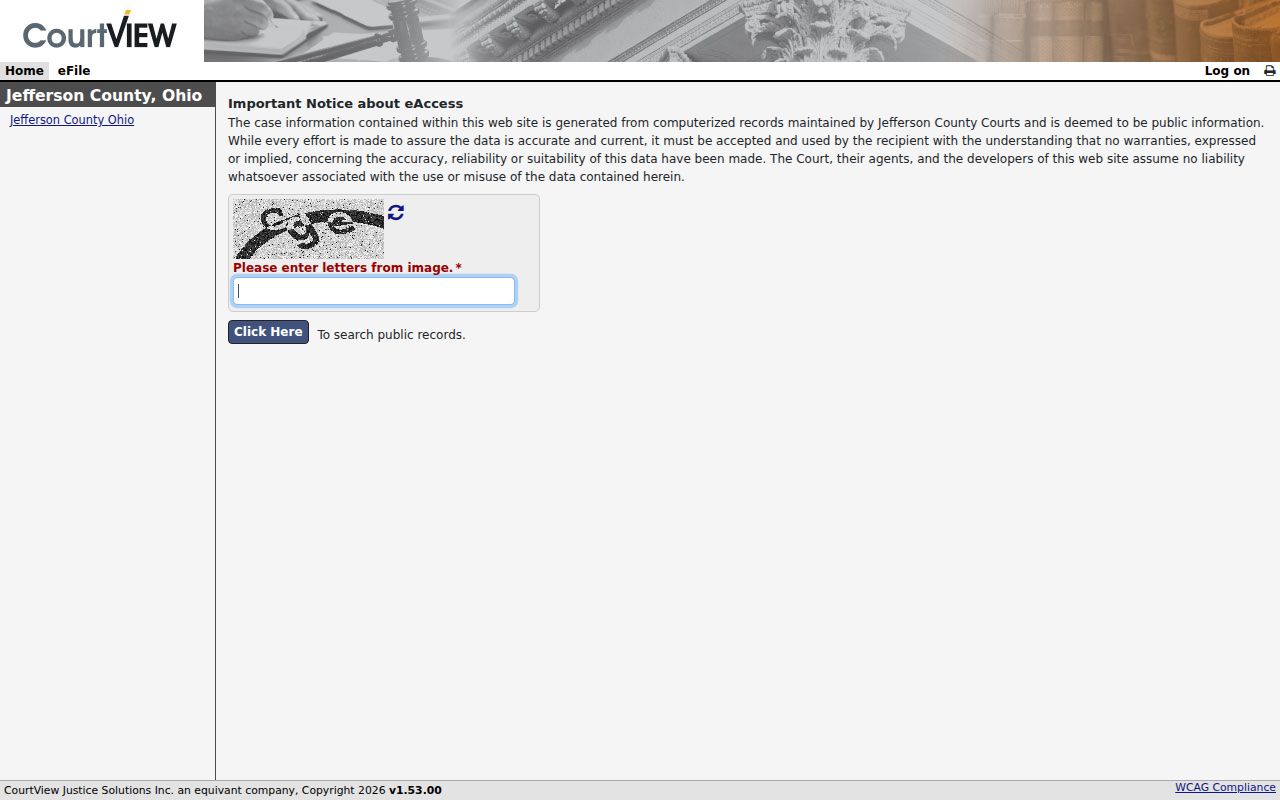
It supports a court-specific path rather than a single merged Jefferson County result list.
Searching Jefferson County Cases by Number
A case number is the sharpest tool when a court notice puts one in your hand. Steubenville's Court Connect traffic/criminal help illustrates the local pattern. It uses a two-digit year, a case-type code, then a sequence number. One example is 12TRC12345. Type that value into the Case Number condition. Treat the code as a portal format example. It is not a universal format for every Jefferson County court.
For a Common Pleas or County Court case, plug the number into the eServices route. Use the route for the issuing court. No result? Confirm the court name before you change the search term. A transfer, a preliminary matter, or an appellate filing can scatter related entries. They may land across different Jefferson County or appellate records.
Numbers also keep you from mistaking an old setting for an active matter. The docket is a chronological list of case events. Status and a next date show the current position when the local interface offers them. A notice of appeal in a trial file starts a different record path. The Jefferson County Clerk of Courts Legal Division says it maintains the Ohio Seventh District Court of Appeals records for the county. That appellate file stays distinct from the original trial-court case.
Jefferson County Online Docket Coverage
Stated online coverage matters in a Jefferson County case search. It matters most when the search reaches back to an older matter. The Legal Division says its online dockets run from May 1995 to the present. Images run from November 2019 to the present. Those are two different things. A case can have a full chronological record without an online copy of each filing.
For an older docket, a missing image, or an uncertain court assignment, use the Legal Division's public terminals. You can also ask the clerk to check the custodial record. The official Clerk FAQ documents that in-person research option and the limits on it.
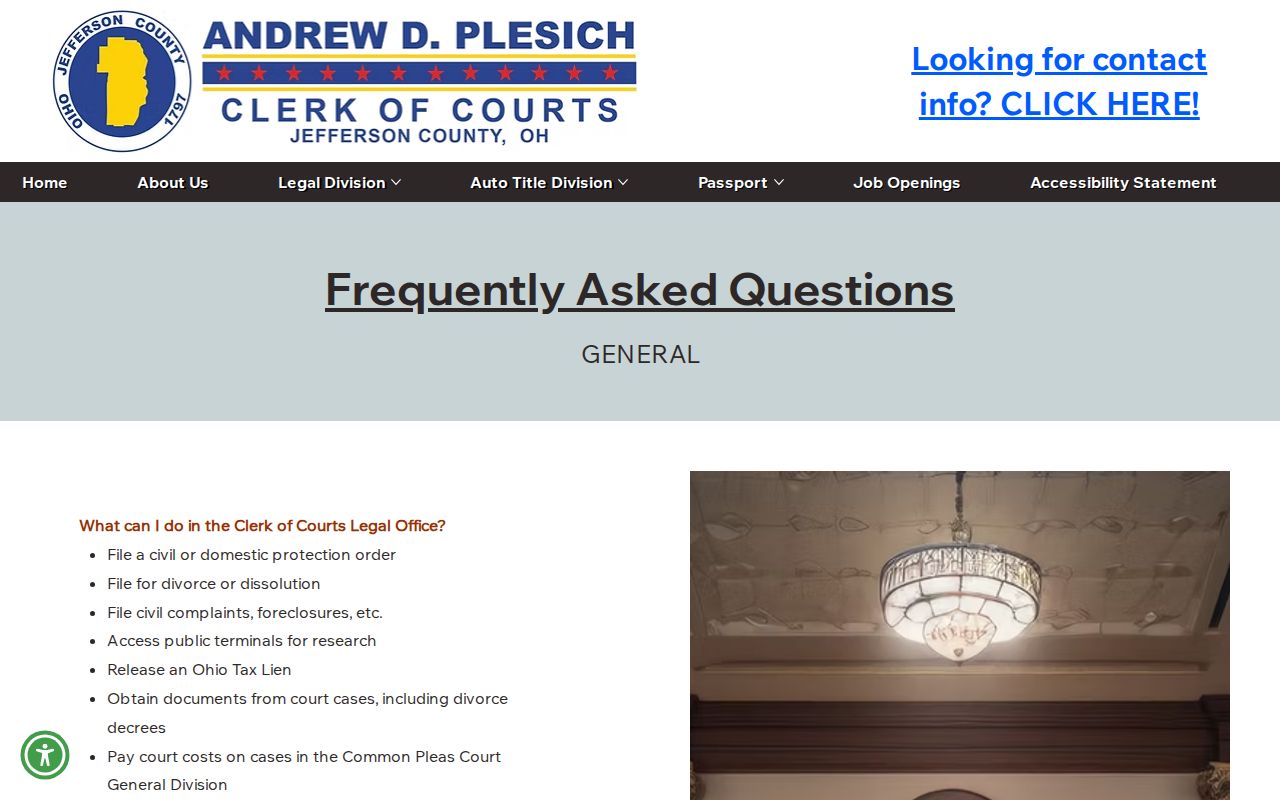
The FAQ supports the practical distinction between online search coverage and courthouse research access.
What a Jefferson County Case Search Returns
A Jefferson County case search only gets you to a possible match. From there, the Court Connect traffic and criminal results show labeled fields: Case, Name, Date of Birth, Offense, Date, Status, and View. Open a result and the detail screen may offer more tabs. Status, Docket, Remarks, Balance, Payments, Priors, AKA, and Attachments all appear when the court turns those components on. Don't assume every case carries every tab, image, or attachment, though. A missing label just means that piece wasn't enabled for that case.
| Case and parties | Identifying result-row information that should be matched to the issuing court. |
|---|---|
| Status | A short current-state label, best read with the active next date and docket chronology. |
| Case Docket | The chronological list of recorded filings, orders, hearings, and other events. |
| Next date and time | A setting indicator where configured; confirm it if a notice conflicts. |
| Attachments | A possible navigation area, not a promise of remotely available public documents. |
Balance and payment figures live in the case-financial component of a Jefferson County record. They tell you what money moved on a case. They do not tell you the full outcome.
Jefferson County Court Connect Conditions
Steubenville splits its public Court Connect tool into three parts. There is a traffic and criminal lookup, a civil lookup, and a Case Schedule Query. The criminal and traffic side lets you search by Name, Defendant, Case Number, Soundex, Birth Date, Ticket, or Warrant. Civil works differently. There the search conditions are Plaintiff, Defendant, and Case Number. Pick the one that matches what you already know. Stay inside the right Jefferson County court docket system.
Soundex matches names by how they sound. The interface itself warns that this option can run slowly. It casts a wide net across similar spellings. If you have the case number, use it. That skips the fuzzy matching and pulls the case up straight. For a hearing question, the Case Schedule Query offers daily, arraignment, attorney, and agency schedules where the court has turned them on. Even so, the clerk and the current case status are still the word of record.
Statewide Versus Jefferson County Case Search
Ohio gives you no single statewide trial-court search. The Ohio Supreme Court Public Docket covers only the Supreme Court's own cases, so it will not pull up a Jefferson County trial matter. If your case was appealed, remember that the appellate docket lives separately with the Ohio Seventh District Court of Appeals. A notice of appeal filed in Jefferson County is just the trial-court side of that split.
| Search channel | What it covers | When it fits |
|---|---|---|
| Jefferson County eServices | Common Pleas case search and the designated County Court paths. | A known local trial-court matter. |
| Steubenville Court Connect | Municipal traffic/criminal, civil, and schedule-query information. | A City of Steubenville case. |
| Ohio Supreme Court Public Docket | Supreme Court filings only. | A case that is actually before the Supreme Court. |
Jefferson County Historical Case Index
For older cases, the Clerk points to an indexed-records route covering 1910–1981. Open it today, though, and a login screen appears. The index can still help. You may spot historic Jefferson County court material worth pulling through it. It does not mean every old filing is downloadable from home. Treat it as one tool. Keep it separate from the Clerk's regular online docket period.
The Clerk's indexed-records route is where the historical access limit comes from.
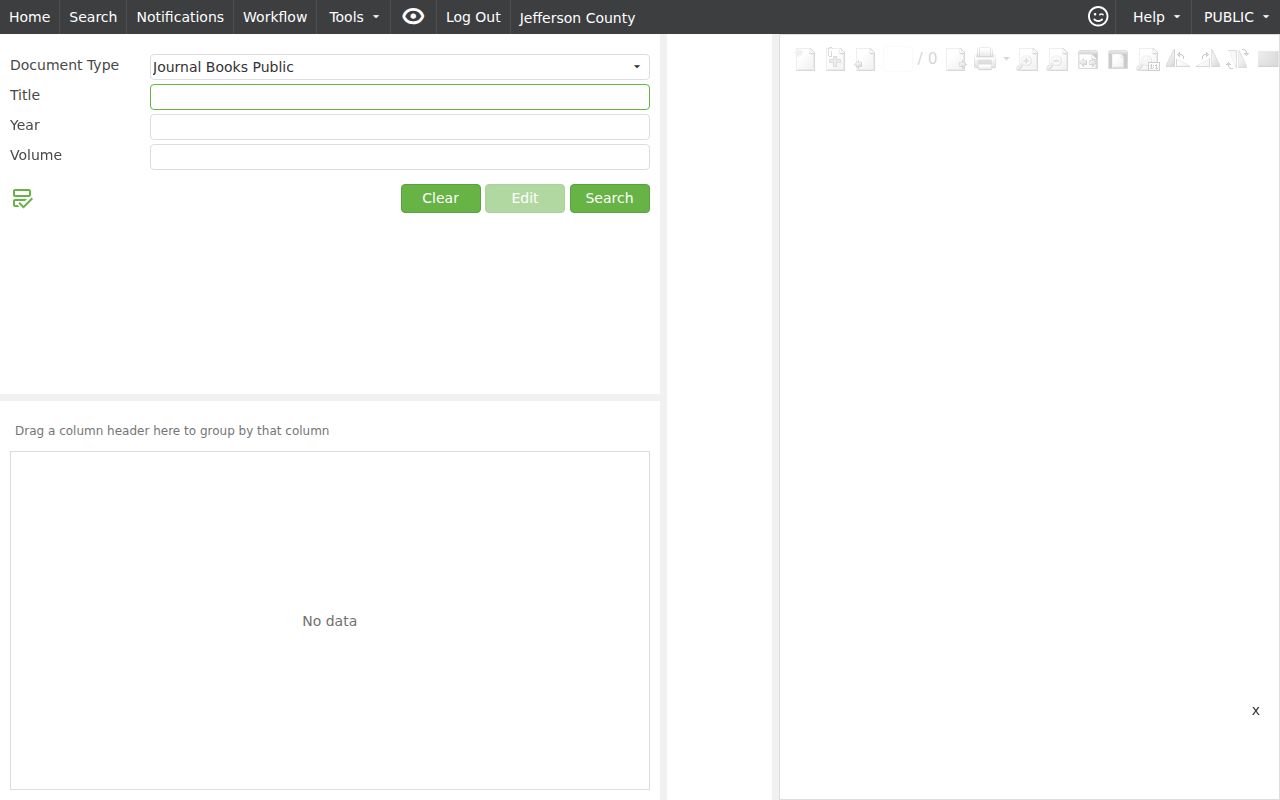
When the index runs dry, go in person. The Jefferson County Legal Division counter and its public research terminal are the documented alternatives for case lookup.
Jefferson County Restricted Case Access
Ohio's Rules of Superintendence 44 through 47 set the public-access framework for court records. Even so, a docket entry can be trimmed. Redaction, a restriction order, or a sealing order may all limit what you see. Juvenile matters carry their own confidentiality rules. Two cautions matter here. A blank remote result does not prove a case existed. A row on the docket does not make every document public.
For sealed or expunged matters, use the lawful process through the sentencing court and clerk. The rules also allow personal identifiers to be redacted. Ask the Jefferson County court that owns the case. Ask what public or redacted copy exists, rather than hunting for a portal that slips past an access limit.
Sup.R. 46 lets a court pick the least restrictive lawful measure. That could mean redaction, limited remote access, initials, or a generic case-management description. This is why a public docket can be visible while a document image is missing. The Clerk's Forms page links a record-sealing application. The court must confirm eligibility and the current filing category. Ohio R.C. 2953.32 adds exclusions and timing conditions, including many traffic-related convictions.
Jefferson County Legal Office Fallback
The Jefferson County Clerk of Courts Legal Division keeps Common Pleas and Seventh District records. It also acts as clerk for the three County Court districts. You will find the Legal Office in Room 200 at 301 Market Street, Steubenville. The Clerk lists walk-in service and public research terminals. Weekday hours run 8:30 a.m. to 4:30 p.m. Call 740-283-8583. Or write to clerksoffice@jeffcch.com.
The Clerk's formal Public Records Request Form route currently opens to a login screen. It remains an official route for court records. Its fields may not load, though. A phone call, a mailed request, a counter visit, or the public terminal is the better documented fallback for a Jefferson County docket search.
That request route is the Clerk's own official channel for filing a formal records request.
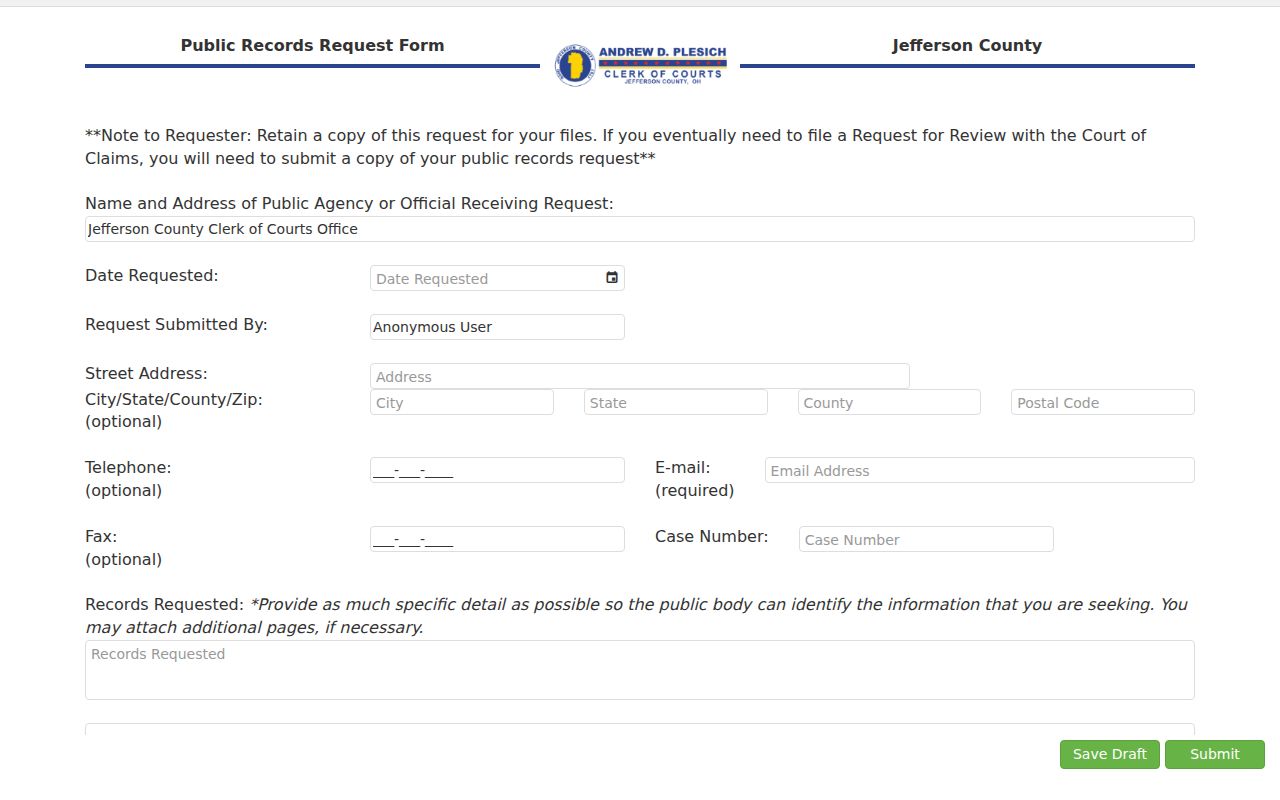
Confirm the right office before you file anything.
Knowing which Jefferson County office keeps the court record, and which channel it accepts, keeps a document request from landing in the wrong place.