
How to Search Criminal Dockets
Criminal dockets in Jefferson County are split by court. Felony pleadings live with the Court of Common Pleas. The Clerk of Courts Legal Division holds them. The official case lookup and payments gateway sends Common Pleas users to Jefferson County eServices. County Court criminal matters out of Toronto, Wintersville, and Dillonvale take a different route. They run through the shared County Court eServices path. Steubenville city cases are different. Those belong to the Municipal Court's separate Court Connect system.
- Read the notice or citation for the court name and case number.
- Open the court’s proper lookup: Common Pleas, County Court, or Steubenville Municipal.
- Use the case number first; use the portal’s narrower name or ticket condition only when needed.
- Open the matching Case Docket and compare its latest event with the active status or next-date field.
- Ask the owning clerk for an older, restricted, or certified record.
The Legal Division puts its online Common Pleas dockets from May 1995 forward. Images only run from November 2019 forward. The gap is real. A docket entry can exist with no scanned filing behind it. Also note that the Ohio Supreme Court Public Docket covers Supreme Court cases. It is not a statewide search for Jefferson County trial matters.
Jefferson County Felony Docket Route
For a felony record, begin in Common Pleas rather than Court Connect. The county calls Common Pleas the forum for felony criminal business. Legal Division states that it preserves felony criminal pleadings. Court Connect still matters when a Steubenville case started there. Municipal Court runs preliminary hearings in felony matters. That early detail does not merge into the Common Pleas trial docket once the case moves up. The County Common Pleas overview gives the court context behind this route. Its official page is reproduced here for reference.
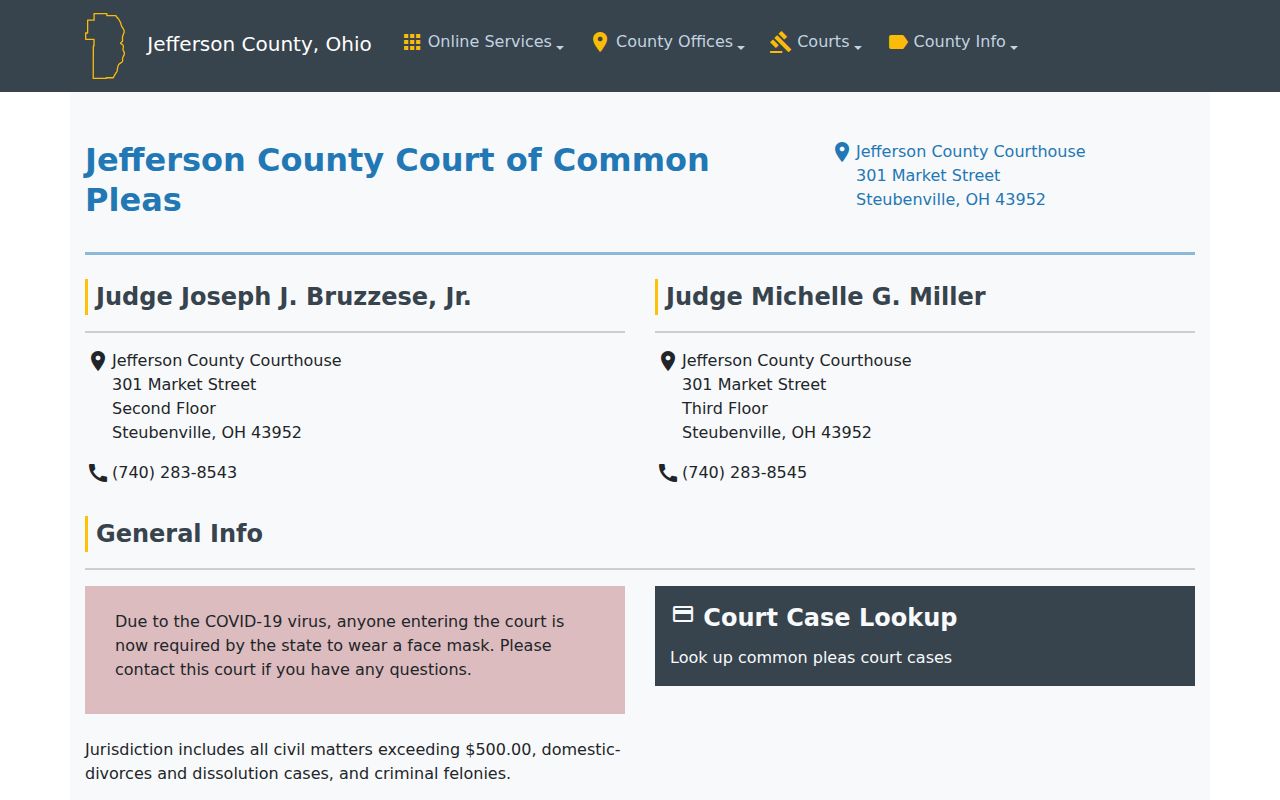
Pick the court first, then read the docket. That check matters most when a preliminary stage and a felony case carry related but separate histories in Jefferson County.
What a Criminal Docket Shows
A docket is a chronological list of recorded case events. Court Connect traffic and criminal results open with a first screen. It shows Case, Name, DOB, Offense, Date, Status, and a View action. The detail view then splits Status from Docket. Remarks, Balance, Payments, Priors, AKA, and Attachments appear when configured. A result row only flags a possible case. It is not the full record. A balance or payment field is never a final disposition.
| Case number | Use the court-assigned identifier. Steubenville help describes a two-digit year + case type + number pattern, such as 12TRC12345. |
|---|---|
| Offense and status | These identify the charge label and a short current-state field; read them with the docket history. |
| Next date / time | Current scheduling information when enabled. It should be checked after a continuance or reset. |
| Docket | The ordered activity list for complaints, hearings, orders, and later events. |
| Attachments | Possible linked items, not a promise that every filing is publicly downloadable or certified. |
Jefferson County Criminal Docket Results
Steubenville dockets run through the public Court Connect portal. Its tools are split into three. You get a Traffic/Criminal Case Lookup, a Civil Case Lookup, and a Case Schedule Query. The traffic and criminal side lets you search by name, defendant, case number, date of birth, ticket, Soundex, or warrant. Which fields apply depends on the search you pick. A case number works best. It narrows a Jefferson County docket search to one file when you already have it.
The official page for Jefferson County Common Pleas eServices displays the court's own access point. Note that the County Court and Municipal Court sit on separate channels. They are apart from this Common Pleas route.
Common Pleas eServices and Court Connect serve different courts. A no-result in one system does not prove another court holds no criminal docket.
Stages on a Criminal Docket
A criminal docket often opens with a complaint, citation, or other charging entry. From there it may list an arraignment, pretrial setting, hearing, plea or trial, disposition, sentencing, and an appeal notice. The preliminary hearing is the early felony-stage job that Steubenville Municipal Court handles. It is not the Common Pleas felony trial. A notice of appeal marks a separate Ohio Seventh District Court of Appeals matter. It never replaces the trial docket itself.
Docket flow: Filing › Arraignment › Pretrial › Plea or Trial › Disposition › Sentencing
Jefferson County Criminal Docket Terms
Reading a local criminal docket means telling a court event apart from a scheduling or money clue. Court Connect labels help here. The interface keeps its Docket tab separate from its Status tab.
- Arraignment
- A plea-stage appearance. Court Connect has an Arraignment Case Schedule Query where enabled.
- Continuance or reset
- A postponed or rescheduled setting. The old date remains historical activity, so use the active next date or confirm with the court.
- Bond
- A release or financial component that may be shown in case detail. It is not a disposition.
- Disposition
- The recorded outcome or resolution. Do not infer it from a payment, balance, or short status label alone.
Which Court Holds Criminal Dockets
Common Pleas holds the felony route. The three County Court districts run Criminal Divisions for territory outside the Municipal Court's reach. Steubenville Municipal Court hears city misdemeanor and traffic charges. Its felony jurisdiction is limited to preliminary hearings. Probate and Juvenile offices are separate, and juvenile proceedings face special access limits. So find the right court first. A broad county name search matters less than the court that actually holds the file.
| Court | Criminal docket role | Lookup or contact path |
|---|---|---|
| Common Pleas | Felony criminal pleadings | Common Pleas eServices or Legal Division |
| County Courts I–III | County-court criminal matters | County Court eServices and issuing court |
| Steubenville Municipal | City misdemeanors, traffic, felony preliminaries | Court Connect and Municipal Court Clerk |
Jefferson County Criminal Docket Locations
District I sits in Toronto. District II sits in Wintersville, and District III sits in Dillonvale. All three share one eServices host but stay separate courts. Confirm which court issued or received the case. That step must come before you trust a result as the current file. Direct court lines: Toronto 740-537-2020, Wintersville 740-264-7644, and Dillonvale 740-769-2903. Legal Division's official description covers the Clerk's duty for Common Pleas and Seventh District records. The official page is included here.
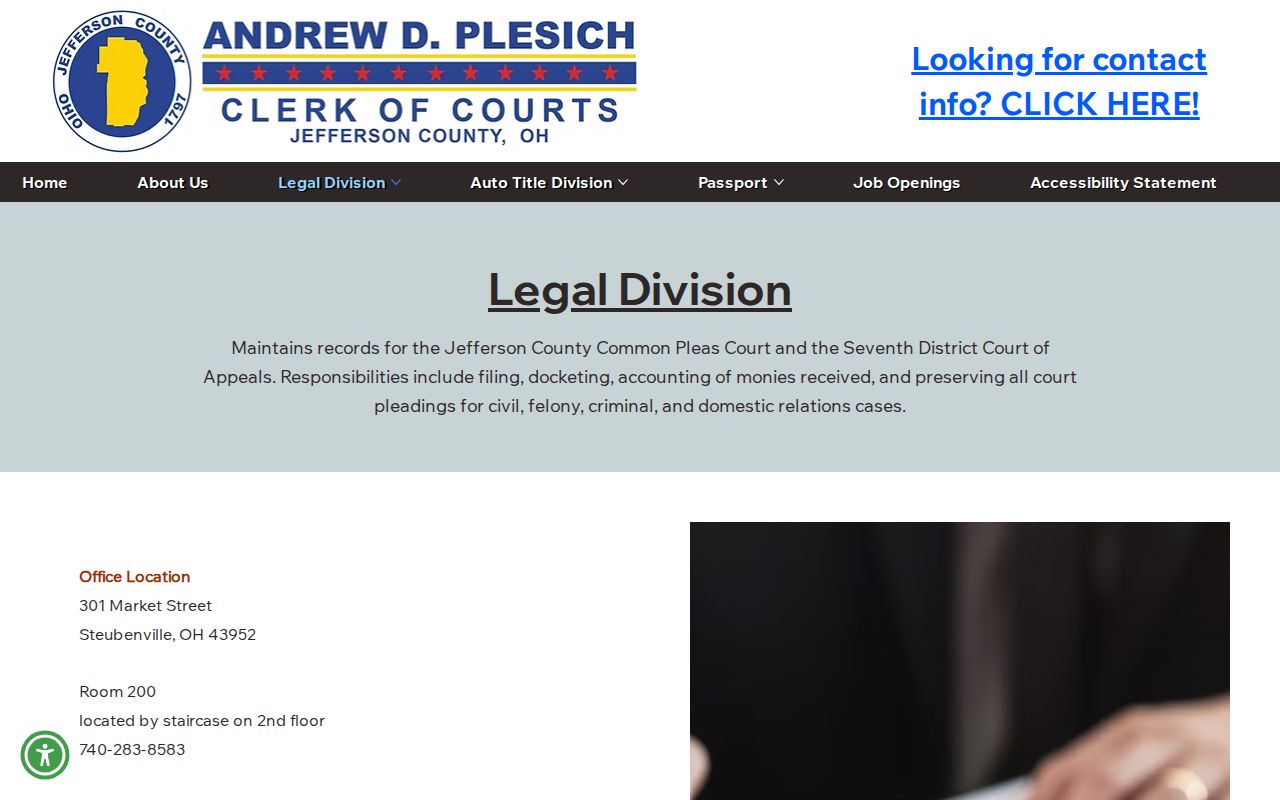
Need a court date fast? Call Legal Division at 740-283-8583. The Steubenville Municipal Court Clerk can be reached at 740-283-6000 ext. 2200.
Jefferson County Criminal Docket Resets
A reset moves a setting to a new date. It does not erase anything already on the Jefferson County criminal docket. Read the most recent entry first. Then check the case status, the next hearing date, and the next time listed. For a Steubenville case, try a Court Connect schedule query. The Daily Case Schedule Query or the Arraignment Case Schedule Query works when that route is open. A mailed notice and the online docket may disagree. In that case, call the court that owns the case.
Current-date check: A docket may retain the earlier hearing date after a reset. The court clerk is the confirmation channel when the current field is missing, near in time, or unclear.
Jefferson County Old Criminal Dockets
Old felony files hit a wall. The online Jefferson County court docket reaches back only to May 1995. Before that, plan on other routes. The Clerk's FAQ lists the Legal Division public terminals as a research service. The Clerk's site also links an Indexed Records path covering 1910–1981. An index helps you find a case. It is not a promise of a full downloadable file. The Clerk-linked public-records route opens on a login screen. So the counter, a phone call, an email inquiry, or a mail request is usually the better start. The Ohio court data report covers the statewide picture behind these public court records.
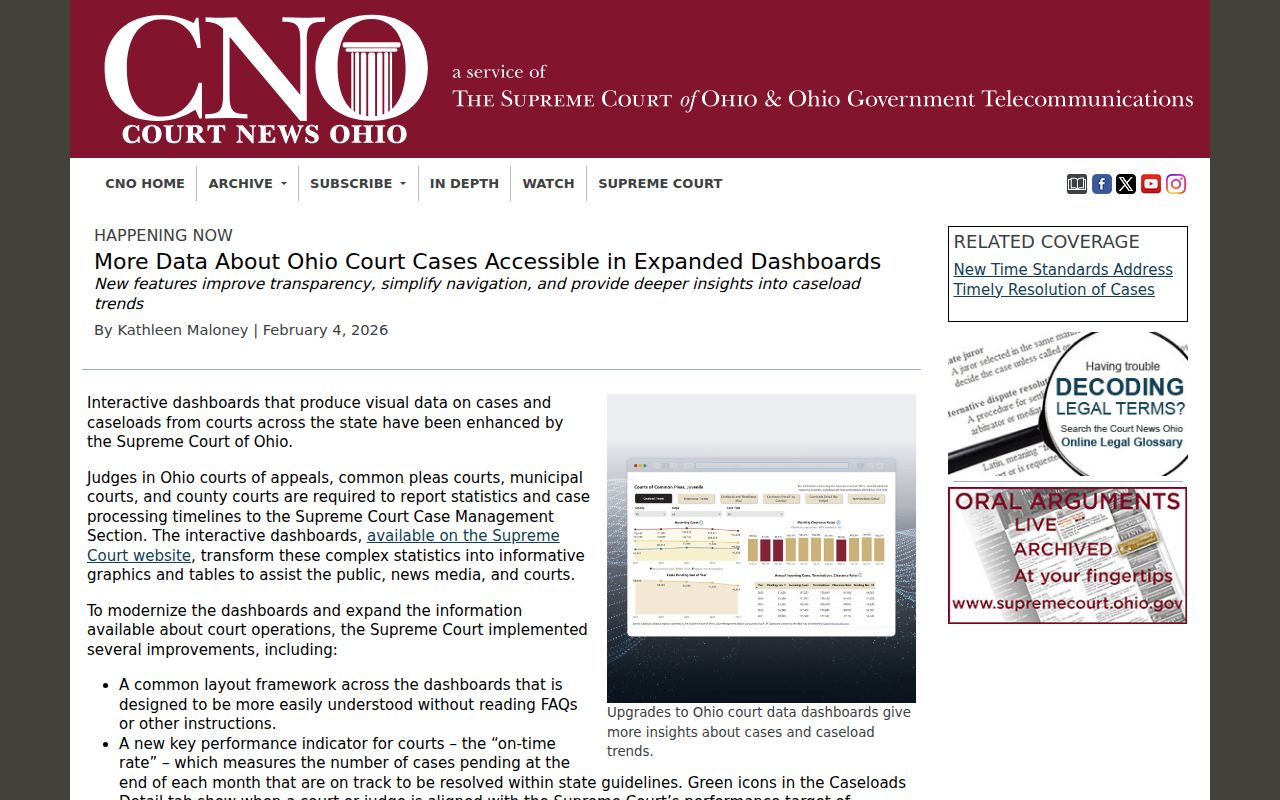
Request an older case from the office that actually holds the file. Give the court and the case number as precisely as you can, since that speeds any Jefferson County docket search by mail or phone.
Public Access and Sealed Criminal Dockets
Ohio opens its court records under Sup.R. 44–47. Public access comes first. Those rules still let courts shield personal identifiers, redact details, curb remote access, or use a generic case-management label. Each option applies when needed. So a thin result or a missing attachment proves nothing. It may just mean the file is old. Or the local setup limits the view. Or the record is restricted or sealed. Treat a sparse docket entry as a lead, not a verdict.
Key Rules:
Ohio Sup.R. 44–47 sets the framework for public court-record access, redaction, and restrictions.
Ohio Public Records Act, R.C. 149.43 governs public-office inspection and copying, alongside court-record rules.
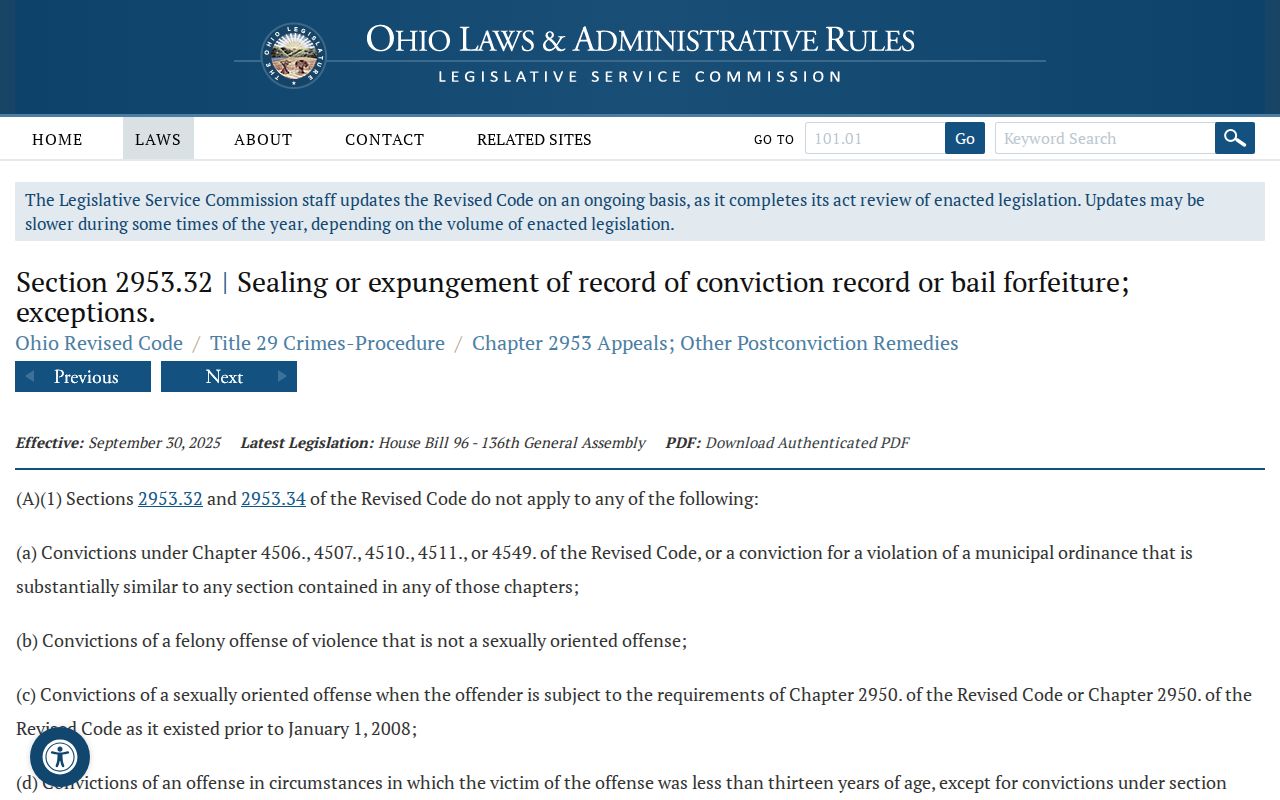
R.C. 2953.32 addresses eligibility and exclusions for sealing or expungement of certain records.
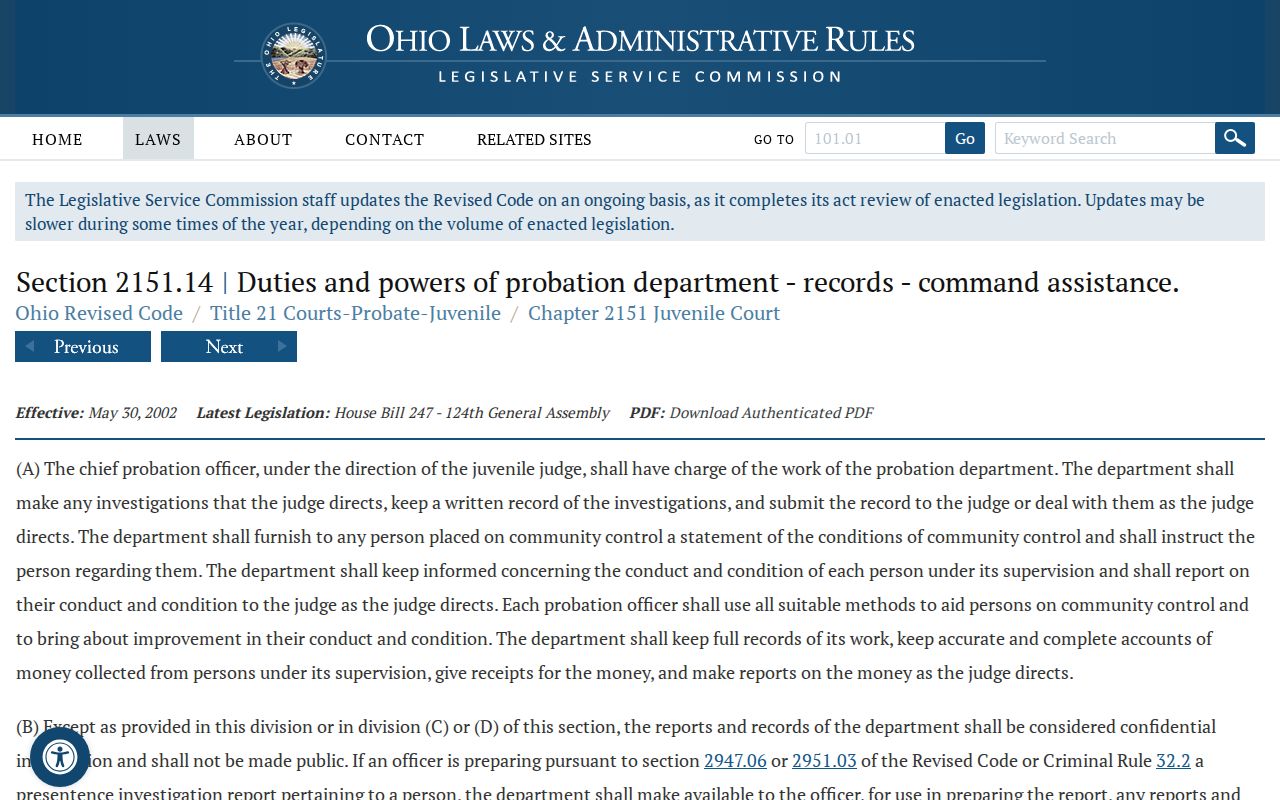
Ohio's juvenile confidentiality rule adds a further limit on access. That statute sets the background you need for Jefferson County criminal docket research involving juveniles.
If a record is restricted, ask the sentencing court or the clerk that holds it about the lawful public version. Do not try to slip around a limit through some other portal.
Jefferson County Criminal Docket Appeals
A notice of appeal shows up on the Common Pleas criminal docket as one more event in the trial-court story. It is not the appellate record itself. Legal Division keeps records for the Ohio Seventh District Court of Appeals, which is the separate channel for Jefferson County trial-court appeals. So sort out your question first. Is it the trial case, the appeal, or both? Then request the docket or certified copy from the right place.
Jefferson County Criminal Docket Copies
A Case Docket display and a certified court record are not the same thing. The display maps the chronology and current status. A certified copy is authenticated by the clerk or court holding the file. For Common Pleas cases, the Legal Division public terminal, counter, mail address, phone, and email inquiry all work. For city cases, go through the Municipal Court Clerk once Court Connect identifies the case. No posted Legal Division price exists for plain copies or certification. Ask about cost and delivery before you order. The official sealing and expungement statute governs when such records open or close.
Spell out the court, the case number, the document you need, and whether it must be certified. That lets the clerk send your request to the correct criminal case file without delay.