
How to Search Civil Dockets
Where you search depends on which Jefferson County court holds the civil case. The Clerk of Courts runs a Legal Division. That Jefferson County office keeps the Common Pleas civil and domestic-relations filings. Start a civil docket lookup there through Jefferson County eServices. County Court cases cover three districts. District I, District II, and District III run on the shared County Court eServices host once you know the issuing court. A Steubenville Municipal civil case is different. That court uses its own Court Connect Civil Case Lookup.
- Identify the court from the summons, complaint, or number.
- Search by case number first.
- Use the court’s party search only if the number is unavailable.
- Open View or Case Docket and read recent activity with status.
- Ask the responsible clerk for an image, judgment, or certified copy.
Common Pleas online dockets reach back to May 1995, and filed images start in November 2019. Anything older sits outside that window. When a Jefferson County civil docket or its image is missing, ask the clerk's office rather than assuming no case file ever existed.
Jefferson County Civil Docket Lookup
Jefferson County splits its Court Connect search into two doors. Civil Case Lookup is separate from the Traffic/Criminal Case Lookup. Pick the right one first. On the civil screen you can search by Plaintiff, Defendant, or Case Number. Each result row gives you Case Number, Plaintiff, Defendant, Status, and a View link. That is enough to locate the case. It does not prove a judgment. It also does not account for every filing in the record. The civil detail view, when configured, has several parts. Status and next-date information stay apart from the docket, judgment, plaintiff, and defendant components. The Clerk's e-file page connects to the county electronic records platform used for the Common Pleas route. That official page shows the current access point.
Because the portals are separate, check the court and the case type before you type in a party name. A quick confirmation at the start saves a dead-end Jefferson County civil docket search later.
What a Civil Docket Shows
Think of a civil docket as a timeline rather than a single verdict line. Entries can cover the complaint, service, an answer, motions, notices, orders, and hearings. The judgment and anything after judgment can appear too. The Status and next-date fields help. Weigh them against the docket itself and any signed order. A filed image, when one exists, is its own document. It is not the same thing as the docket entry pointing to it.
| Case Number | The court identifier and the narrowest lookup key. |
|---|---|
| Plaintiff / Defendant | Party labels used by Court Connect; they do not establish who prevailed. |
| Status | A short current-state label, read with the activity history. |
| Next Date Time | A current setting clue when configured, subject to clerk confirmation. |
| Judgment | A separate component where enabled; a certified judgment comes from the custodian. |
Jefferson County Civil Docket Names
A civil result in Steubenville comes back with a handful of fields. You get the primary plaintiff, the primary defendant, a case number, and a status. Search by number first. A party name is the second pass. Use it when the number is unknown. The help data for the public interface even notes defendant-only name searching. Still, a party label on a result tells you little on its own. Confirm the court and the case detail before trusting a match. Here is one more trap. The municipal Civil Case Lookup will not carry a Common Pleas or County Court case. Those belong in eServices instead. The Clerk’s forms and fee source lays out the official Civil Division filing information.
Some results stay murky no matter how you read them. Write down the case number. Then call or visit the court that keeps the underlying civil docket and ask.
Types of Civil Cases on the Docket
Civil dockets in Jefferson County split by court and territory. Common Pleas, through its Legal Division, takes general civil and domestic-relations work. County Courts run their own Civil and Small Claims Divisions. Steubenville Municipal Court posts a Small Claims line. It covers matters under $6,000. General Division civil matters at that court reach up to $15,000. Those municipal numbers are not a countywide threshold. The right court turns on the type of claim. Where it arose matters too.
| Civil route | Local docket context | Search path |
|---|---|---|
| Common Pleas | General civil and domestic relations | eServices / Legal Division |
| County Courts I–III | Civil and small claims in county-court territory | County Court eServices |
| Steubenville Municipal | City civil and small claims | Court Connect Civil Case Lookup |
Jefferson County Civil Docket Custody
Legal Division handles the filing, docketing, and accounting for monies. It also preserves Common Pleas pleadings. That makes it the records channel. Use it whenever a Common Pleas civil or domestic case is not fully visible online. You can reach the office several ways. Public research terminals and walk-in access are available in person. Telephone assistance runs at 740-283-8583. An email inquiry route and mailing address are offered too. One caution applies to the clerk-linked Public Records Request Form. It currently presents a login screen. Treat it as gated rather than a complete anonymous request form. The Common Pleas fee and deposit sheet states the costs in the official source.
A filing deposit is not the price of a copy. The Legal Division posts no plain-copy or certification rate.
Jefferson County Civil Docket Dates
On Court Connect, the civil Next Date Time field is a scheduling clue. Treat it as a hint, not a judgment. The civil schedule display can list the judge, case number, next date and time, plaintiffs, status or description, and defendants. Read it beside the newest docket event. A continuance, order, or transfer can reset the active setting. An older date may still sit in the chronology. When the date is close, or a notice conflicts with the docket, call the court that owns the case.
- Motion
- A written request asking the court to act; locate its docket entry and related order.
- Order
- The court’s written direction or ruling.
- Judgment
- A court determination; obtain a certified copy from the proper clerk if authentication is needed.
- Continuance
- A later setting that replaces the earlier scheduled appearance.
Jefferson County Civil Docket Transfers
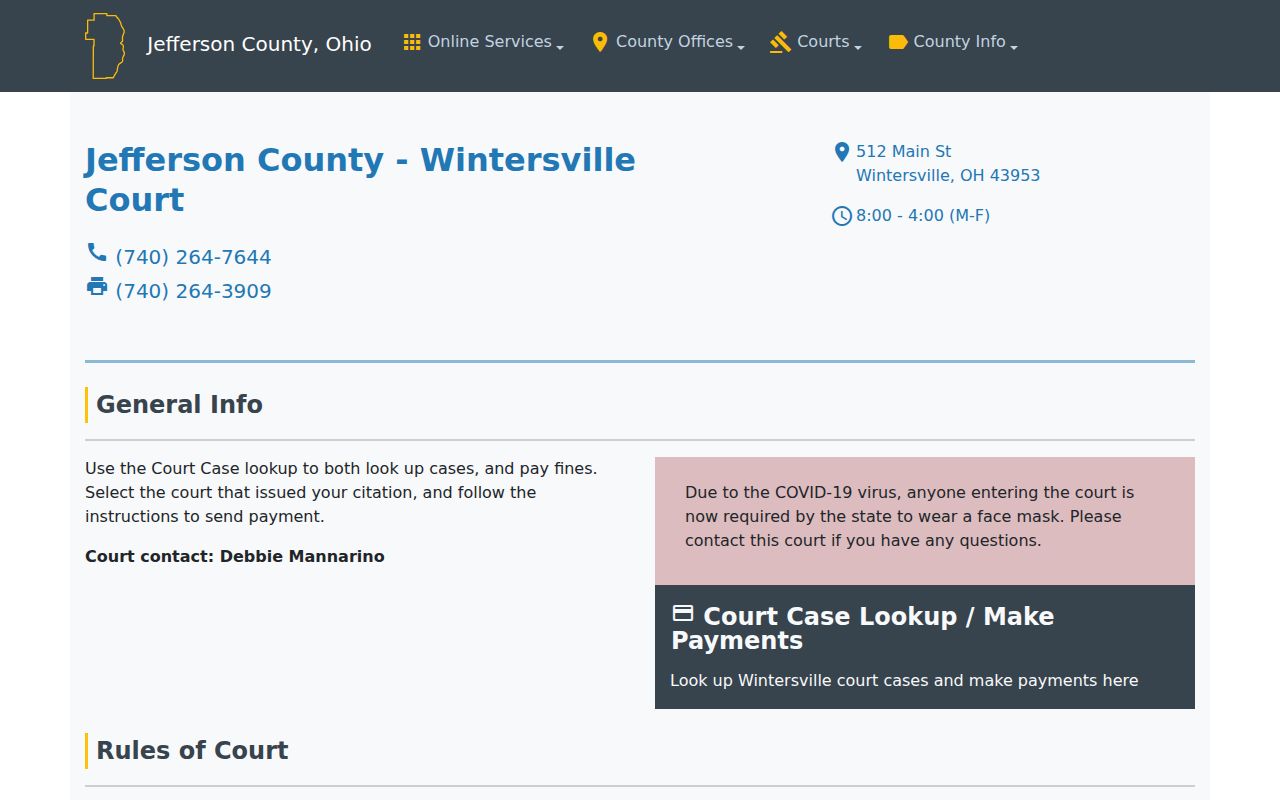
Each of the County Court divisions covers all of Jefferson County. The judges can move a civil case between divisions under the local rules. A transfer entry may shift the courtroom. The case history stays intact. When you run a docket search on the shared County Court eServices host, look at the most recent docket activity. Confirm the current division with the clerk. Toronto, Wintersville, and Dillonvale are separate court locations. One online host serves them all. The District II County Court page shows the local civil docket details for that location.
Check the current court before requesting a civil record. A quick confirmation keeps you from asking the wrong division for a file it no longer holds.
Settings and Hearings on Civil Dockets
Settings on a Jefferson County civil docket cover a lot of ground. They include service events, motion hearings, status dates, trial settings, and post-judgment activity. Read them in order. Check the current case status first, then the latest docket event, then any schedule detail the court supplies. Confirm directly with the court last. No single county calendar portal covers every court here. Common Pleas and County Court cases lean on case lookup and clerk contact, while Steubenville offers schedule queries through Court Connect. Remember the limit of any listing. A status label, balance, or party list never replaces the controlling civil order or judgment itself.
Jefferson County Civil Docket Judgments
Court Connect sometimes shows a Judgment component when the court turns it on. The docket itself keeps the running chronology of events. Keep those two things separate. What a portal displays is a research aid, not a certified judgment. A missing document online can mean several things. It may predate the image range, or it was never attached, or it is restricted. For an actual certified copy, go to the office that holds the file. Legal Division handles Common Pleas judgments. For Steubenville, ask the Municipal Court Clerk. For a County Court case, ask the issuing County Court clerk.
Public Access to Civil Dockets
Ohio Sup.R. 44–47 sets the public-access rules for civil court records. Those rules permit redaction, restricted remote access, initials, and similar measures. A full remote display is not always appropriate. Ohio's Public Records Act also applies to public-office records. Court access runs through the Supreme Court rules and the actual custodian of the file. Two cautions follow. A missing image does not close the docket. And an online docket does not make every filing a public download.
Key Rules:
Ohio Sup.R. 44–47 governs public court-record access, privacy protections, and restrictions.
Ohio Public Records Act governs inspection and copying of public-office records.
Request the public or certified version from the court or clerk that maintains the actual Jefferson County civil file.
Jefferson County Civil Docket Appeals
A notice of appeal shows up on the trial docket. It is not the appellate docket itself. The two records live apart. Legal Division describes its records role for the Ohio Seventh District Court of Appeals. A request there should say exactly what it seeks: a Common Pleas or County Court file, the separate appeal, or a certified trial-court judgment. Naming the right record keeps a civil records request from landing with the wrong docket custodian.
Jefferson County Civil Docket Copies
Three records, three different things. A docket, a filed order, and a certified judgment are not interchangeable. Use online lookup to find the case and its activity. Then ask the clerk for the document. Ask for a filed original or an authenticated copy. Name the court, the case number, and the exact document you need. For old Common Pleas material, Legal Division's public terminal and counter are the documented fallback. County Court and Municipal Court clerks keep their own copy routes. One caution: no official source says every Jefferson County civil file is online. Copy fees are not all the same, either.
Jefferson County Civil Record Requests
A good civil record request names three things. Give the court and the case number. Then name the exact item, whether a docket sheet, complaint, order, judgment, or decree. Say whether you want a plain or certified copy. The public terminal can confirm the caption, docket date, and document title. Check before you submit anything. Keep expectations straight, though. A visible civil event is an index to the filing. It is not proof that a downloadable image exists. Nor is it proof that a court will certify the displayed version.
Older Common Pleas dockets often need direct records help. The Clerk reports that online dockets begin in May 1995 and images in November 2019. Even a docket inside that range can lack a posted image. An older index route may identify material. It does not promise a complete file online. Ask Legal Division which record channel fits your date and court. Court Connect identifies the case first. Then a Steubenville civil file goes through the Municipal Court Clerk. For a County Court civil file, confirm with the issuing district.