
How to Search the Jefferson County Court Docket
Begin with the court, not a broad name search. The county's official Case Lookup and Payments page splits the Common Pleas route from the three County Court routes. A case filed in Steubenville Municipal Court travels a different public path. So the court name printed on a citation, summons, complaint, or an old docket entry beats guessing. The county name alone is not enough.
Hang onto the case number if you have one. It narrows a docket search more than anything else. A party-name search works when you already know the court and the case type. A single result row is only a starting point. Open the case detail, read the docket in order, and check any status or next-date field against the newest entry before you treat a hearing date as current. That one extra step keeps a stale date from becoming a missed court appearance in Jefferson County.
- Identify the issuing court from the notice, citation, or existing case number.
- Choose Common Pleas, the correct County Court district, or Steubenville Municipal Court’s Court Connect path.
- Use a case number first, then a court-specific party or ticket field if needed.
- Read the docket as the case history and use Status or Next Date to check the active setting.
- Call or visit the record custodian when the result is missing, old, restricted, or needs certification.
Jefferson County Court Docket Paths
Jefferson County runs more than one public search environment. Common Pleas cases enter through the county's Jefferson County eServices portal. Toronto, Wintersville, and Dillonvale County Court matters sit on a different host. That host is the County Courts eServices system. Steubenville Municipal Court uses Court Connect instead. Probate and Juvenile matters each need their own office route. A portal result should always match the court that actually owns the case.
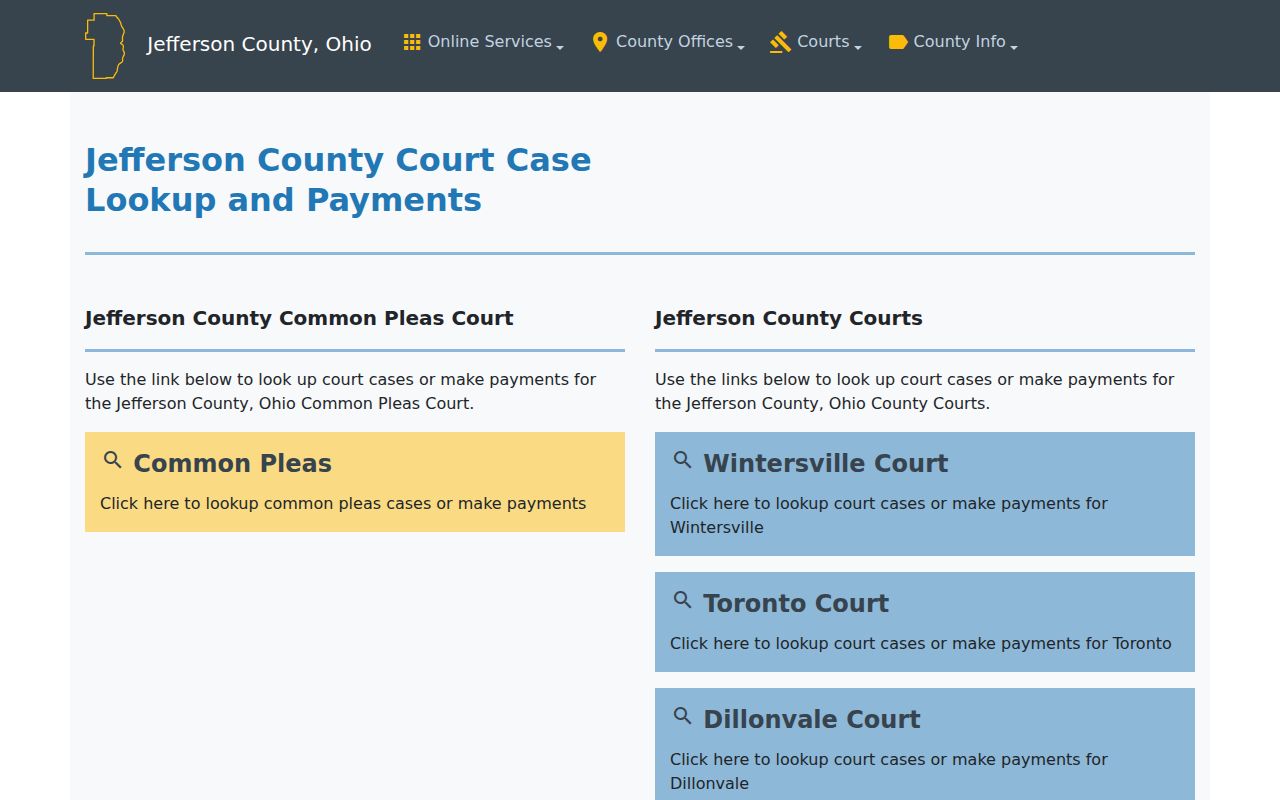
The official county case-lookup page is a handy map for exactly this reason. It shows that Common Pleas and the County Courts are not tabs inside one universal Jefferson County docket search. Starting with the court also avoids a common trap. An empty Common Pleas result is not proof that no County Court or municipal case exists. The official county lookup gateway lays out the separate routing choices for Jefferson County courts.
That separation matters. It is why the issuing court stays the key piece of information in any Jefferson County court docket search.
What a Jefferson County Court Docket Shows
A docket is the chronological list of recorded case activity. Local systems often show a short result row first. Detail areas come separately. Court Connect, for one, can break a case into separate views. These are Status, Docket, Remarks, Balance, Payments, and Attachments. The status view may carry an active next date and time. The docket itself is the running ledger of filings, orders, hearings, and other events. Keep this in mind. A balance or payment view is not a final disposition.
| Case Number | The court-assigned identifier. Steubenville traffic and criminal help gives a format such as 12TRC12345. |
|---|---|
| Parties | Names attached to the case. Civil results label plaintiff and defendant. |
| Docket Entries | The date-ordered record of filings, notices, hearings, orders, and rulings. |
| Hearing Settings | Current date, time, room, and setting information when the court exposes it. |
| Status | A short current-state field that should be read with the full docket. |
| Disposition | The recorded outcome. Do not infer it from a payment or balance field alone. |
Document images are a different animal from docket entries. One may be missing because the file predates online image coverage, has not been attached, or is lawfully restricted. A certified copy comes from the clerk or court, never from an image saved off a public screen.
Jefferson County Court Connect Docket Choices
Steubenville Municipal Court's Court Connect offers three distinct starting points. They are Traffic/Criminal Case Lookup, Civil Case Lookup, and Case Schedule Query. Traffic and criminal searches accept a name, defendant, case number, ticket, or warrant. Civil lookup is its own tool, with plaintiff, defendant, and case-number choices. Pick the category that matches the court record. Never carry a civil term into the traffic screen.
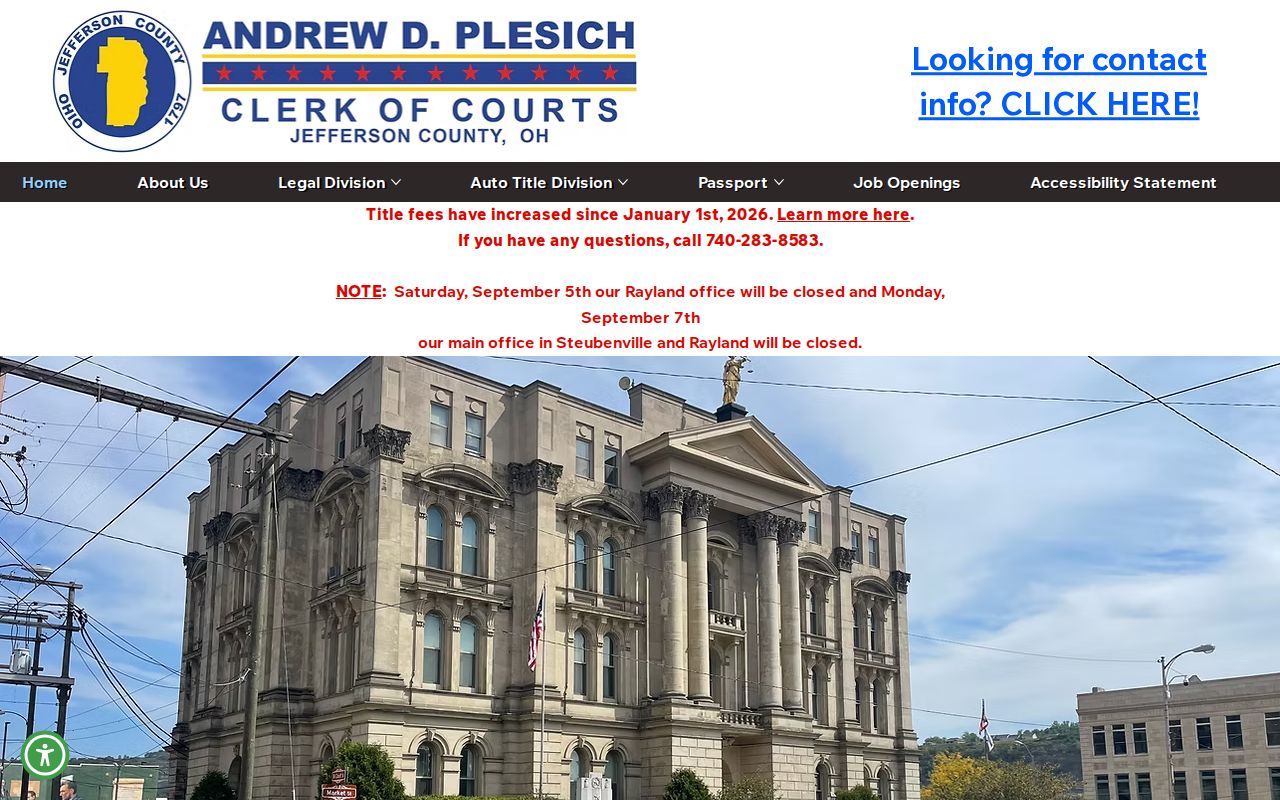
The schedule-query option matters for a city hearing. Where enabled, it exposes several schedules. These cover daily, arraignment, attorney, or agency settings. A detail screen may list a next date and time. Still, the latest docket entry and the Municipal Court Clerk remain the safest confirmation. That holds for any hearing coming up soon. The Jefferson County Clerk of Courts homepage identifies the county clerk resources. They sit behind the record-access route.
Separate interfaces and separate clerks make court identification far more reliable than any countywide-search assumption.
Which Jefferson County Courts Keep Dockets
The Jefferson County court map places each case with a court and clerk. Those offices handle its type and territory. The Legal Division of the Jefferson County Clerk of Courts maintains Common Pleas records. Seventh District records sit there too. That same division serves as clerk for the three County Court districts. Steubenville Municipal Court keeps its own clerk and its own Court Connect system. Probate and Juvenile each retain court-specific offices. Do not expect them as Common Pleas eServices results.
| Court | Docket Covers | Where to Search |
|---|---|---|
| Jefferson County Court of Common Pleas | Felony, general civil, and domestic-relations matters | Common Pleas eServices or Legal Division |
| County Court Districts I–III | Civil, small claims, traffic, and criminal matters in county-court territory | County Courts eServices and the issuing district counter |
| Steubenville Municipal Court | City traffic, misdemeanor criminal, preliminary felony, civil, and small claims | Court Connect and Municipal Court Clerk |
| Probate and Juvenile Divisions | Probate, guardianship, juvenile, and family-related matters | Respective court office and lawful request route |
The Clerk’s court directory provides the current local office map and contact routing.
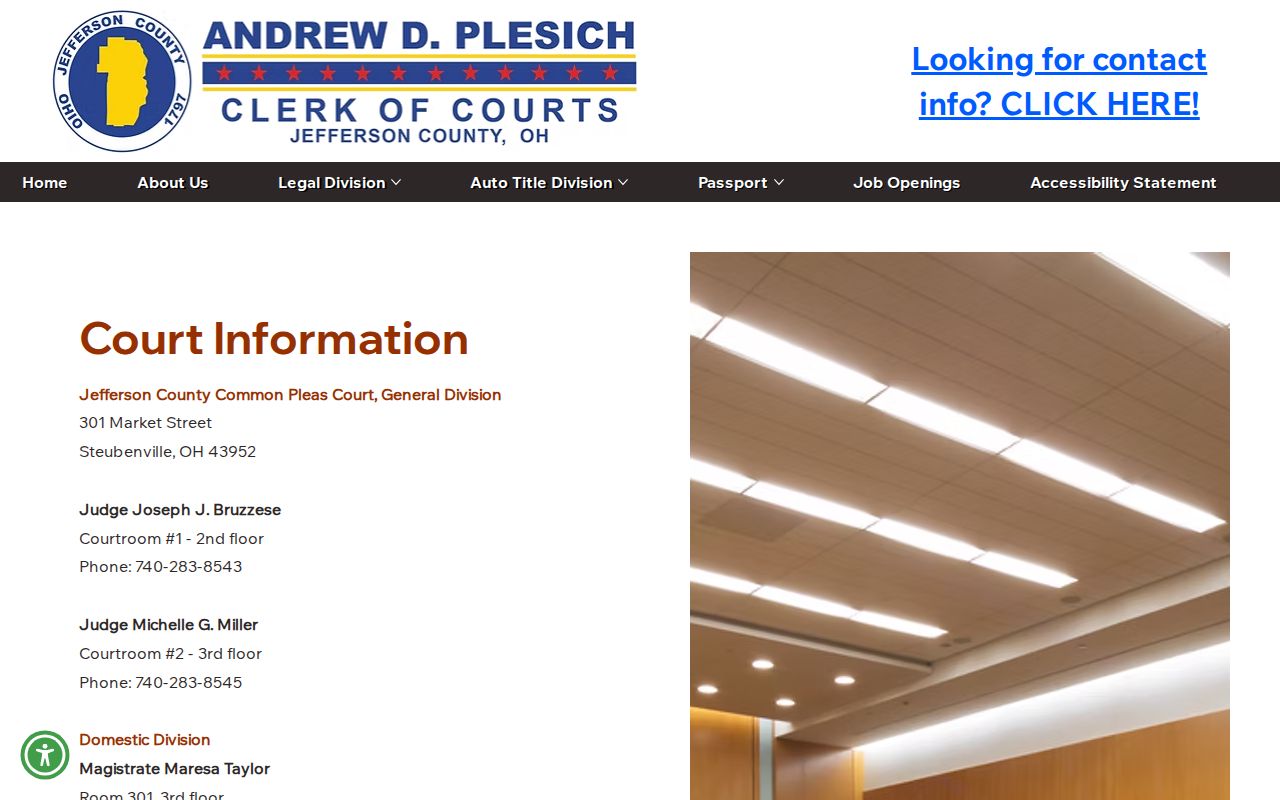
Treat the directory as a routing tool. For anything case-specific, rely on the current court docket or the clerk.
Jefferson County Court Date Searches
Jefferson County publishes no single searchable all-court calendar. Common Pleas and County Court matters begin with the right eServices case docket, and Steubenville adds its schedule-query functions. Whichever court you use, check one thing. Compare the active next date or status information with the newest docket entry. Then call the court if a notice and the online record disagree.
County Court ordinary session days cannot replace an individual setting. Toronto generally sits Tuesday, Wintersville Monday, and Dillonvale Wednesday. Local rules set default sessions at 9:00 a.m. and 1:00 p.m. unless directed otherwise. A continuance or reset can pull one case away from that usual pattern. Check the docket first. The Ohio trial-courts directory gives the statewide court context, though it does not replace Jefferson County trial-court searches.
For an actual setting, the case's own docket and the court that owns it are the practical sources.
Finding Jefferson County Court Dates and Settings
What a hearing entry shows depends on the schedule it comes from. Court Connect traffic and criminal listings carry plenty. They can include the judge, room, date, time, case, violation, agency, attorney, prosecutor, and status. Civil listings add the case number, next setting, parties, and status. Those labels help, yet none of them locks the date in place. A reset reschedules a setting. A continuance postpones one. So a later order can always change what the screen said.
Older docket events sometimes still show their earlier dates. Judge by the active date and the newest event. The full Jefferson County court calendar walkthrough covers the local confirmation sequence. It goes step by step.
Jefferson County Docket Image Coverage
The Clerk's FAQ draws a line every Jefferson County researcher should know. Online dockets reach back to May 1995. Online images only reach to November 2019. An image that old may simply not be posted or viewable from home. That gap is real. It means a docket event can appear without its scanned filing, yet the court may still hold the paper record.
For 1910–1981, the Clerk links an indexed-records route. But an index is not a promise that every historic court file can be downloaded. For an older Common Pleas record, contact the Legal Division through its public terminal, counter, telephone, or records inquiry. Name the court, the case number, and the document sought. Census QuickFacts for Jefferson County adds county context. It profiles a system whose court records sit with several local courts.
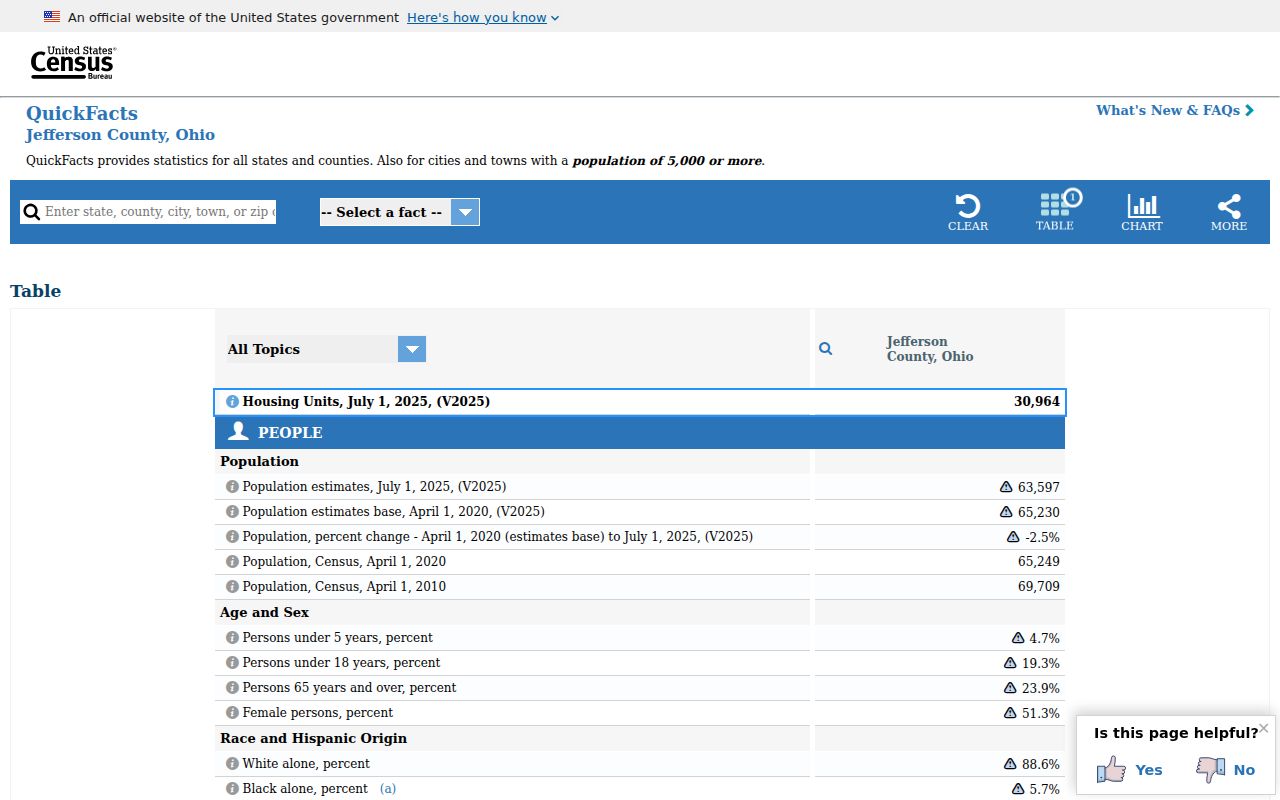
Jefferson County is compact, but its several court records systems still do not merge into one online file.
Public Access to Jefferson County Court Dockets
Ohio starts from open access to court records. Yet the rules also guard personal identifiers and permit redaction or restriction. In Jefferson County, seeing a docket online does not mean every document, field, or attachment is viewable there. Juvenile matters carry their own limits. So do sealed records and protected family material. Ask the court or clerk that holds the record for the public or redacted version. A missing attachment is not always an error.
Key Rules:
Ohio Sup.R. 44–47 sets the public-access framework for court records.
Sup.R. 45 protects personal identifiers and supports lawful redaction.
Sup.R. 46 provides a process for restricting access by the least restrictive means.
Ohio Revised Code 149.43 governs public-office records alongside the court-record rules.
Jefferson County Docket Research Terminal
When an online docket search comes up empty, the Legal Division offers a concrete alternative. Public research terminals sit inside the Jefferson County Courthouse. The Clerk FAQ says walk-ins need no appointment. That helps when an older Common Pleas docket never made it to the web display. It also helps when an image predates the online-image period. And it helps when you simply need help confirming Common Pleas is the right office.
Find the Legal Division in Room 200 at 301 Market Street in Steubenville. It is open weekdays, 8:30 a.m. to 4:30 p.m. The office handles clerk work for Common Pleas, the Seventh District, and County Court. It is not a substitute for the separate Steubenville Municipal, Probate, or Juvenile record offices. Jefferson County's official home page ties the courthouse system together. It connects to court services.
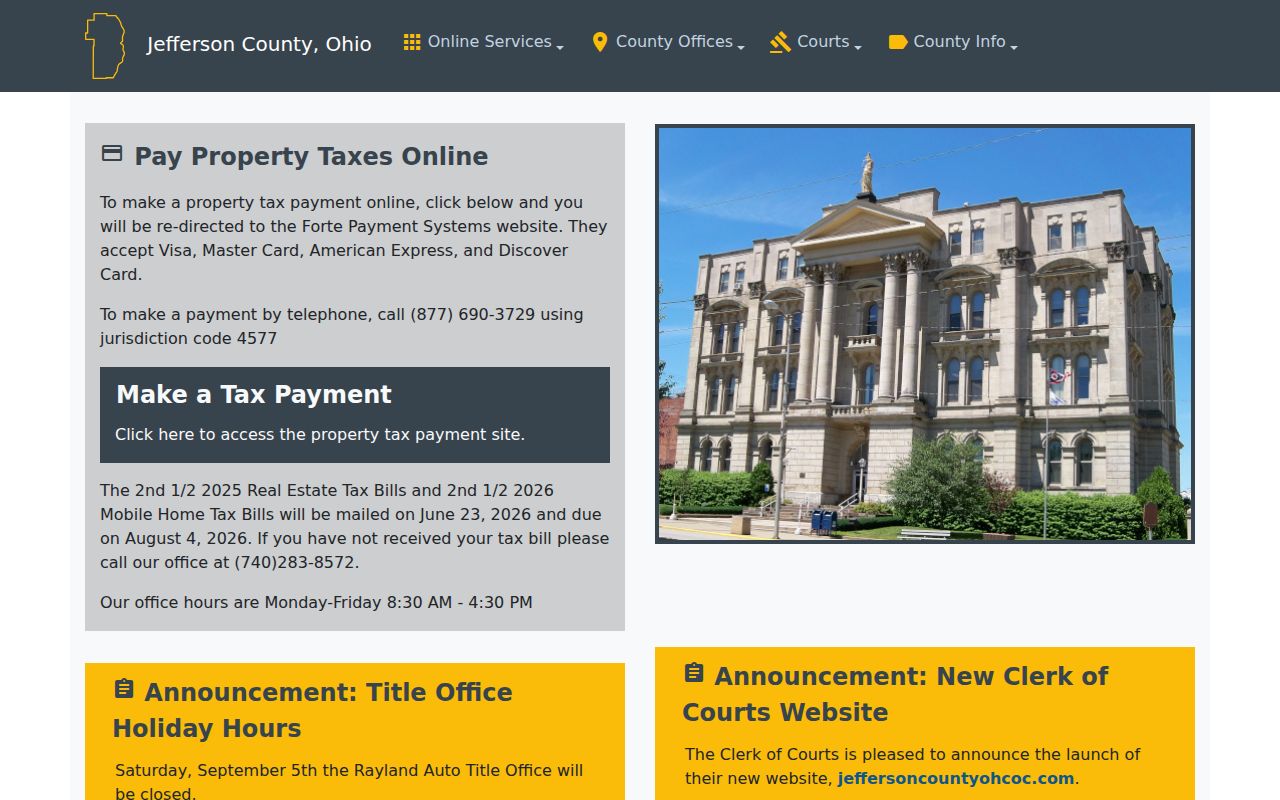
The courthouse terminal is a records fallback. It is not a claim that every court division offers the same public access.
Jefferson County Docket Record Types
Three record types answer three different Jefferson County questions. The court docket is the date-ordered history of a case. A filed image is electronic. It is the version of a pleading, order, judgment, or attachment, posted when the custodian allows it. A certified copy is different. It is one the court or clerk authenticates for official use. A public portal can help you spot all three. But a screen view is not a certified court record.
That distinction matters most when a search result shows no document. For Common Pleas and County Court cases, the Legal Division can confirm whether it holds the item. A Steubenville Court Connect case belongs with the Municipal Court Clerk. Probate and Juvenile requests go to their own court offices. Name the record type, court, and case number. Then confirm cost and delivery with that office.
Note: a portal image is fine for research. But only the responsible court or clerk can say whether an official certified copy is available.
The Jefferson County Clerk and Docket Records
The Jefferson County Clerk of Courts, Legal Division, keeps Common Pleas civil, felony criminal, and domestic-relations records, plus Seventh District Court of Appeals records. It also clerks County Court Districts I–III. The office preserves pleadings, files and dockets cases. It is the right place to ask about an official Common Pleas or County Court document.
Start with the case number, court, and document type. The Legal Division takes walk-ins. It lists mail, courier, telephone, and email contact. Its formal public-records request link currently leads to a login screen. A direct counter, telephone, mail, or email inquiry is usually the surer route. It can confirm the accepted channel, the current fee, and whether certification is needed.
Jefferson County Clerk of Courts, Legal Division
301 Market Street, Room 200
Steubenville, OH 43952
740-283-8583
Court Dockets by City in Jefferson County
Two incorporated cities make up Jefferson County: Steubenville and Toronto. Each takes a different route to its court docket. Steubenville runs its own Municipal Court and keeps a separate Court Connect docket system. Toronto has no municipal court of its own. Its cases go through Jefferson County Court District I on the shared County Courts eServices route. So the city where a case sits decides which docket search to try, which clerk to call, and which calendar answers a court-date question.
Steubenville Court Docket
2020 Census population 18,161 · Municipal Court uses Court Connect.
Toronto Court Docket
2020 Census population 5,303 · County Court District I uses County Courts eServices.
Jefferson County Historic Court Records
Older Jefferson County records take you down a different path than the modern docket. Probate's official notice lists wills from 1798. It also lists estates and guardianships from 1838, and trusts from 1859. Those dates reach far back past the Clerk's online docket coverage. A historic index is not the same thing as a docket entry. Neither one is the full record. So a precise request to the Probate Court or the Legal Division works better than hoping a portal holds every aging page.
The 1874 courthouse still shapes local record keeping, too. Its long history never promised an online archive. What it does explain is today's mixed access. That access blends eServices with division offices and trips to physical files.
The Census profile for Jefferson County gives the official county backdrop. It frames these separate court-record offices.
A docket search for modern cases and a hunt for older records both end at the right court office. No single database covers both. The Ohio Supreme Court's courthouse profile traces the Jefferson County Courthouse's historic role.
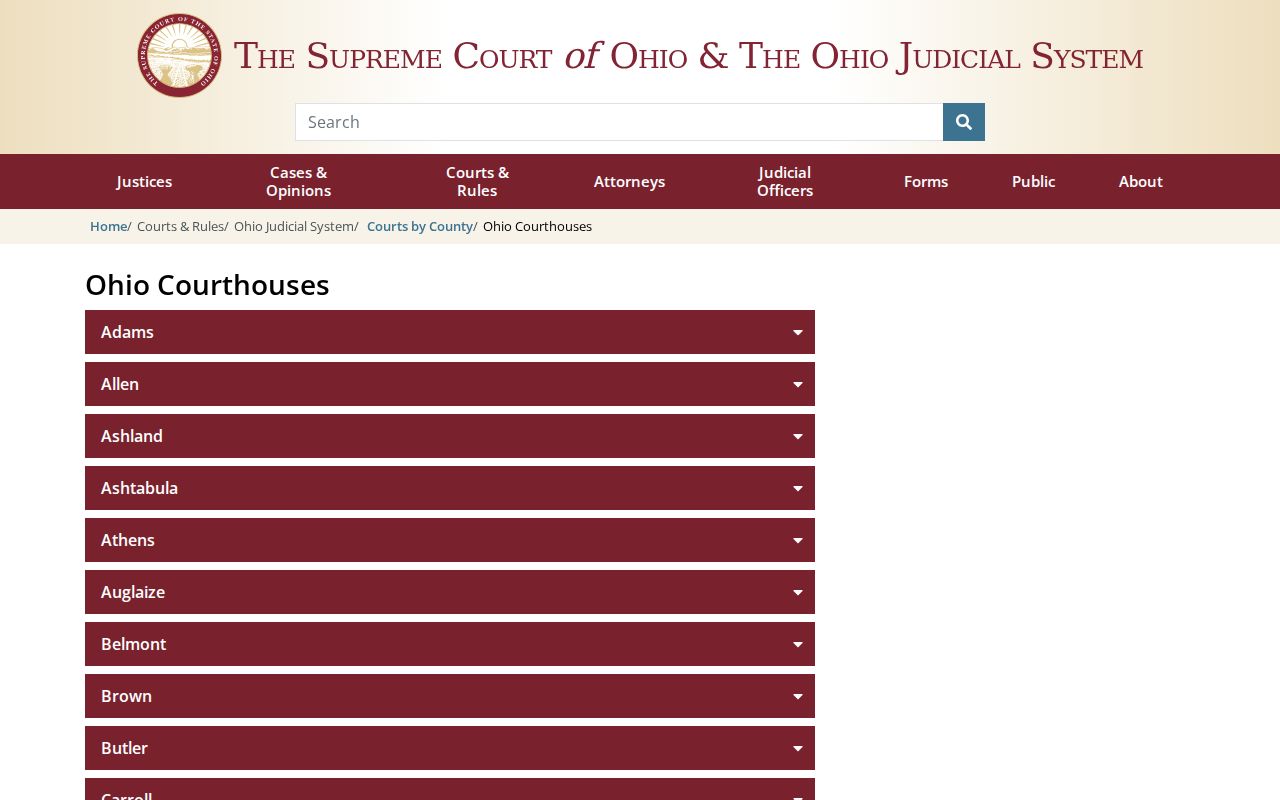
The building carries the county's history. For any specific court record, though, the sitting clerk or court office is still the place to ask.
Map and Directions to the Jefferson County Courthouse
Common Pleas civil, felony criminal, domestic-relations, and Seventh District appellate files are kept at the Jefferson County Courthouse, 301 Market Street in downtown Steubenville, an 1874 sandstone building that gained a modern fourth floor after a 1950 roof collapse. The Clerk of Courts Legal Division counter sits in Room 200 on the second floor by the staircase, and the same office also serves as clerk for the county's three County Court districts. Probate is upstairs on the fourth floor, and Juvenile Court is at the separate Justice Center on State Route 7, not this building.
Jefferson County Clerk of Courts, Legal Division
301 Market Street, Room 200
Steubenville, OH 43952
740-283-8583
Monday through Friday, 8:30 a.m. to 4:30 p.m.
The Legal Division does not close for lunch and accepts walk-ins without an appointment, and its public research terminals are the practical fallback when an online search fails. No official source publishes a parking, security-screening, or accessibility policy for the courthouse, so calling ahead is the safest way to confirm entry and the correct floor.